

 InfoSearched
A cluttered desk and a stock mouse won’t cut it for competitive PC gaming in 2019.
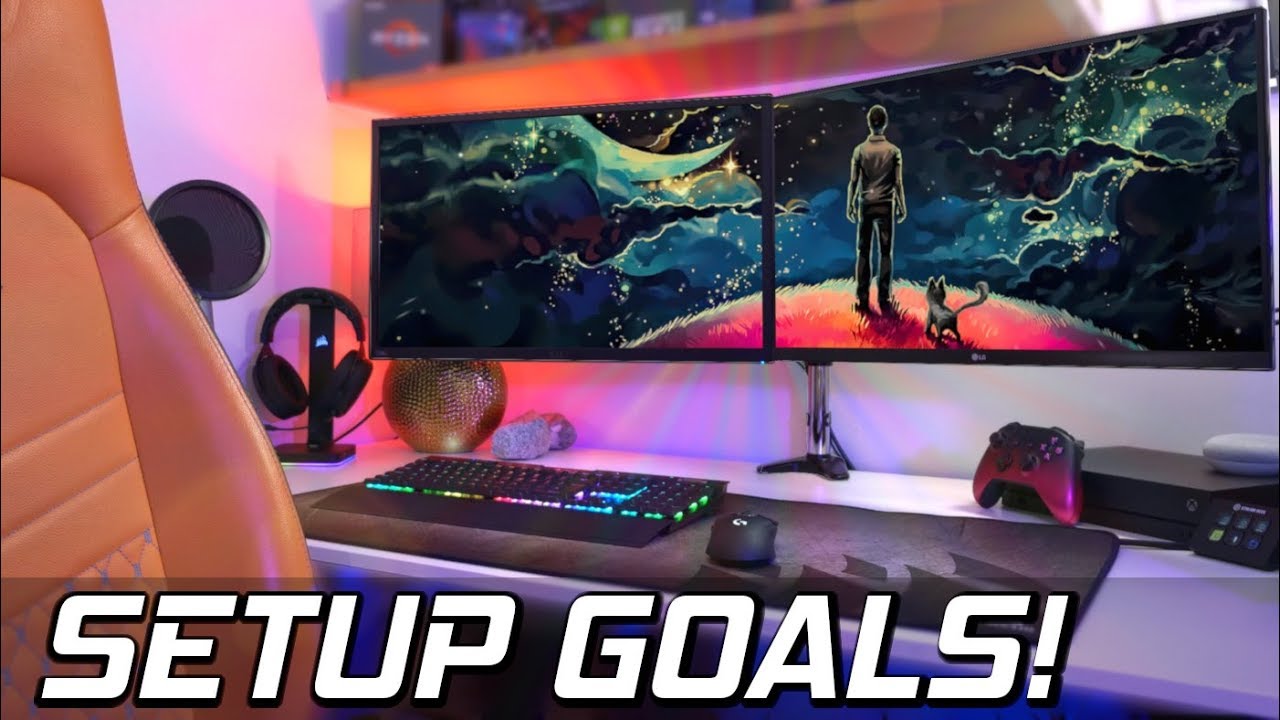
PC Centric host Charlie built his channel on exactly this kind of practical gear breakdown, and his video “PC Gaming SETUP Tips! 😅- The BEST Gaming Accessories & Peripherals! [2019]” sticks to that formula. Rather than dig into CPUs or GPUs, Charlie walks through the peripherals and desk upgrades that actually change how a battlestation feels to use day to day. It’s a buyer’s guide built for anyone staring at a bare desk wondering what to add next.
- The video deliberately skips internal components (CPU, GPU, motherboard) to focus entirely on external peripherals and desk setup.
- Core categories covered include gaming mice, mechanical keyboards, high-refresh-rate monitors, and gaming headsets for positional audio.
- Charlie also covers desk-level upgrades: extended desk mats, cable management, and ambient lighting for the workspace.
Prioritizing the Computer Mouse Design
Charlie opens his rundown where most competitive PC gamers start: the mouse. His argument is straightforward — a dedicated gaming sensor with higher tracking accuracy simply outperforms whatever came bundled with a prebuilt or laptop. Customizable DPI profiles let a player switch sensitivity on the fly between sniping and close-quarters combat, and the lightweight builds common in 2019’s gaming mouse lineup reduce fatigue during long sessions. It’s the cheapest single upgrade Charlie recommends, and the one he frames as non-negotiable for anyone serious about aim precision.
Skip the office mouse — a dedicated sensor and real DPI control change how the game actually plays.
Mechanical Keyboards and Display Refresh Rates
From there, the video moves to mechanical keyboards, which Charlie frames as the tactile counterpart to a good mouse — faster actuation and more consistent key response than a membrane board. He pairs that with a section on high-refresh-rate monitors, tying panel speed directly to competitive advantage: a smoother, faster display means less input lag between a player’s action and what shows up on screen. For anyone chasing frame-perfect reactions, that combination of mechanical keys and a quick panel is presented as the backbone of the setup.
Audio and the Case for a Dedicated Headset
Charlie’s headset section leans on the same logic gamers apply to headsets across the genre: positional audio matters as much as raw sound quality when footsteps and gunfire are giving away enemy locations. A gaming-specific headset with clear directional cues gives a real edge in multiplayer titles, and Charlie treats it as essential kit for anyone playing competitively rather than a luxury add-on.
Desk Organization as Part of the Build
The back half of the video shifts away from performance hardware and into the setup itself — the stuff that makes a desk usable rather than just functional. Charlie recommends extended desktop mousepads and desk mats to give mouse and keyboard a unified surface, cable management solutions to keep wiring out of the way, and ambient lighting to round out the aesthetic. These are the same battlestation staples that dominated PC building content throughout 2019, treated here less as flash and more as quality-of-life fixes that keep a desk clean and distraction-free.
Charlie’s rundown lands squarely in the same territory PC Centric built its audience on — practical, budget-aware gear advice rather than flashy unboxings. For viewers weighing a mouse upgrade against a monitor upgrade, his answer is clear: start with the mouse, because that’s the accessory touching every single input in the game.








Only 1% of Players Have Beaten This Game and This Is How We Did It
Final Fantasy VII Remake – Final Trailer | PS4
Digital Foundry Calls Death Stranding “A New Benchmark For This Console Generation”
Dope Gaming Apps For The Apple Watch Part 2
This Bus Is Bringing People Back.. I Followed It and I Regret Everything – BEWARE