

 InfoSearched
Fifty dollars and a little homework can turn a bare desk into a genuine gaming station.
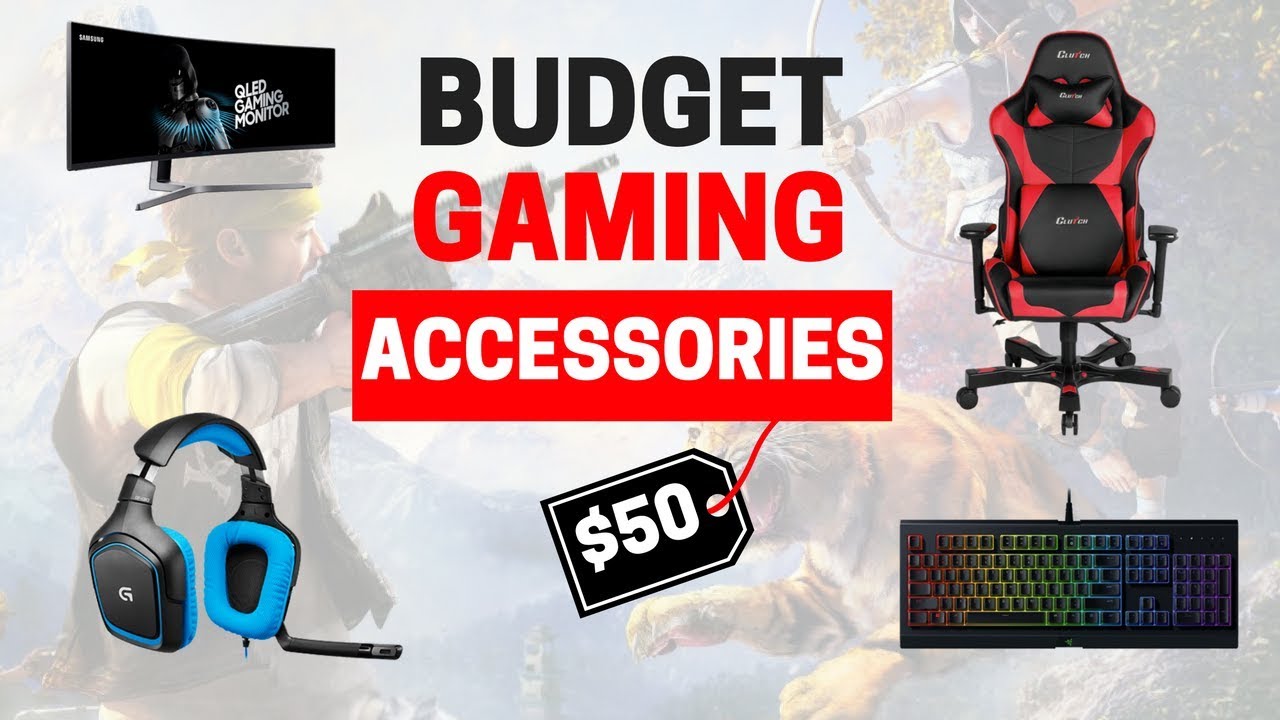
GamesAlike’s “8 Must-Have Budget Gaming Accessories (Under $50),” posted to YouTube on May 2, 2018, is built around one simple constraint: every product on the list has to cost $50 or less. Rather than chasing flagship gear, the channel goes category by category — mice, headsets, keyboards, mouse pads, chairs and capture hardware — picking out the option in each that punches above its price tag. It’s a shopping list dressed up as a countdown, aimed squarely at PC and console players who want a real upgrade without a real dent in their wallet.
- The Logitech G203 Prodigy anchors the mouse pick, bringing an optical sensor and programmable buttons normally reserved for pricier mice down into the sub-$50 bracket.
- The list runs across eight distinct categories — mice, headsets, mouse pads, controller charging stations, keyboards, controller grips, chair cushions and a game capture device — with every single pick capped at $50 or under.
- Budget accessories called out include the SteelSeries QcK mouse pad (under $15), the PDP Gaming Ultra Slim Charge System (under $20) and the AVerMedia Live Gamer Mini capture card, each meant to solve one specific setup problem cheaply.
The Mouse That Anchors the List
The Logitech G203 Prodigy does the heavy lifting as the video’s headline pick for precision input. It’s a wired mouse, but the appeal is the optical tracking sensor and onboard programmable buttons — features that a few years earlier were locked behind $70-plus flagship mice. GamesAlike frames it alongside the Redragon M711 Cobra as proof that reaction-time gains don’t require a premium price tag; the point of the segment is that accuracy and click response, the two things that actually matter in competitive play, are available well under the $50 ceiling.
The mouse pick doesn’t stand alone in the video’s logic. A mouse is only as good as the surface underneath it, which is why the guide pairs precision input gear with a cheap, oversized pad rather than treating the two as separate purchases.
Sound, Surface and Comfort Round Out the Setup
Once the input side is covered, the countdown moves to the accessories that make long sessions bearable. The HyperX Cloud Stinger and Corsair HS50 are named as headset options under $50, valued for letting players track footsteps and callouts without paying for a premium wireless unit. The SteelSeries QcK mouse pad, listed at under $15, gets its own slot specifically because it keeps mouse tracking consistent — a detail plenty of players skip when they’re budgeting for a new setup.
Every pick on the list — mouse to capture card — comes in at $50 or under.
Comfort gets its own line item too. The Purple Double Cushion is flagged as a budget fix for the back and neck strain that comes with marathon gaming sessions, a cheaper alternative to replacing an entire chair. Anyone who’s already sunk money into a proper rig — the kind covered in this gaming seat took THREE DAYS to set up… — will recognize the logic of patching comfort issues before buying new furniture outright.
Keyboards, Grips and Capture Gear for Under $50</2
On the keyboard side, GamesAlike points to the Havit Mechanical Keyboard and the Logitech G213 as ways to get tactile, mechanical-style switches without paying mechanical-keyboard prices. Controller grips from KontrolFreek round out the console side of the list at under $15, aimed at players whose hands get sweaty during high-intensity matches. A PDP Gaming Ultra Slim Charge System, priced under $20, is included as a fix for the dead-battery problem that hits anyone running wireless console controllers.
The final slot goes to the AVerMedia Live Gamer Mini, a capture device under $50 that lets players record and share gameplay without stepping up to a full streaming rig. It’s the most utility-driven pick on the list — less about performance in-game and more about what a player does with the footage afterward.
Building a Full Setup Without a Big-Ticket Purchase
What ties the eight picks together isn’t a single hero product — it’s the idea that a full setup can be assembled piece by piece, each purchase solving one specific problem: tracking, sound, comfort, charging, or recording. For anyone comparing that approach against a full pre-built rig, the trade-offs look a lot like the ones covered in a gaming pre-built that doesn’t suck (RARE!) — spend smart on accessories first, worry about the big hardware purchase later. For readers browsing similar gear on their own, the full range sits under InfoSearched’s Gaming Accessories coverage.
The list’s real value is in the sequencing — mouse and pad first, then sound, then comfort, then the extras like capture cards. Get the $40 mouse and the $15 pad right, and the rest of the setup starts looking a lot less like a wish list and a lot more like a shopping cart you can actually check out.








Control – The Battle is on! | PS4
SnowRunner Review
7 Google Stadia alternatives you can game on right now
Xbox Boss Reacts to PS5 Event
We Already Broke SEASON 2