

 InfoSearched
Every serious PC player already knows the frame drops, missed footsteps, and input lag can cost a fight before it even starts.
Explore Gadgets built its 2019 breakdown around exactly that problem, running through five peripherals aimed at players grinding Apex Legends and other battle royale titles on PC. The channel framed the picks around personal testing rather than spec-sheet bragging, asking viewers directly whether they play Apex Legends and what gear they’re running. The result is a practical rundown of what actually separates a competitive setup from a stock one.
- The lineup covers five distinct categories: mechanical keyboards, high-refresh-rate monitors, gaming mice, immersive audio headsets, and ergonomic desk/setup gear.
- The audio segment ties directly into battle royale mechanics, citing directional sound for tracking footsteps and positional cues in Apex Legends-style squad play.
- Explore Gadgets frames the picks as personally tested items, not just spec comparisons, and asks viewers to weigh in on their own battle royale peripheral setups.
Mechanical Keyboards Lead the List
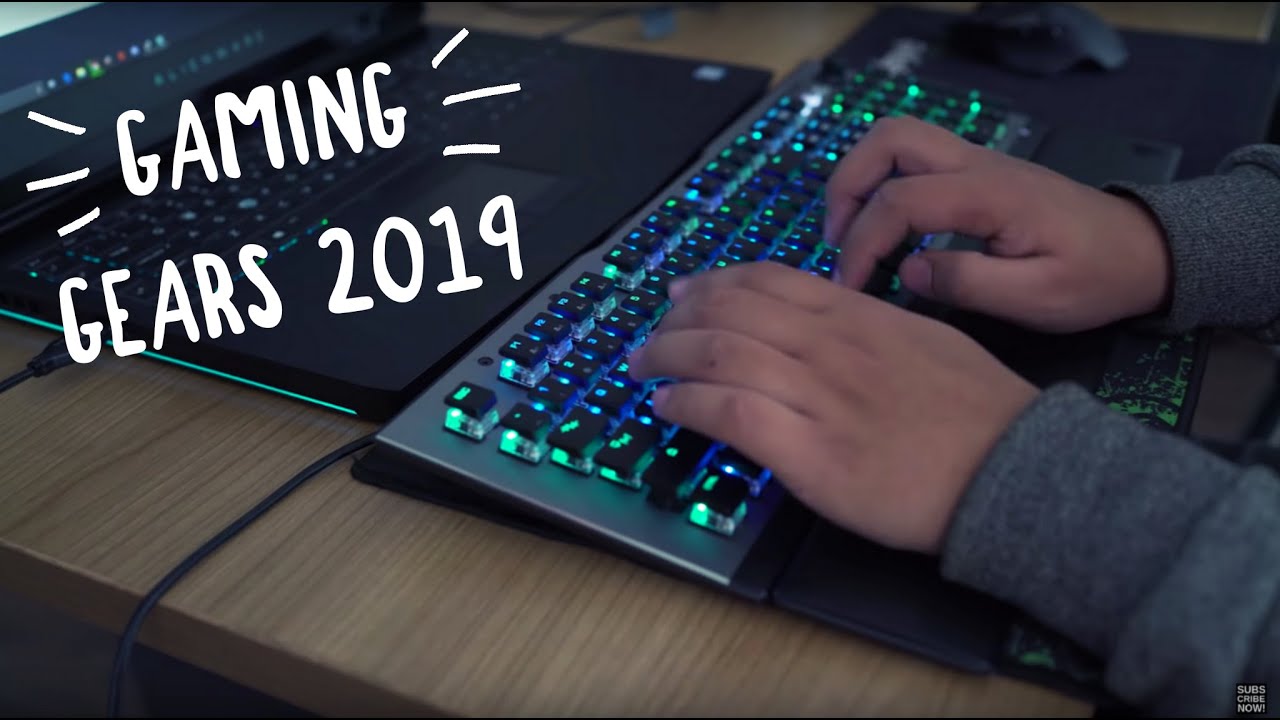
The keyboard pick opens the video for a reason: individualized mechanical switches respond faster and more consistently than membrane keys, which matters when a half-second of input lag is the difference between winning and losing a gunfight. Explore Gadgets points to the tactile feedback of each keystroke as the core selling point for competitive players who need to feel confirmation on every press rather than guess whether it registered.
High-Refresh Monitors and the Frame-Rate Argument
The monitor entry gets treated as the biggest upgrade on the list. Moving off a standard 60Hz panel to a high-refresh-rate display is presented as a direct competitive edge — smoother motion, no screen tearing, and more frames to react to in a firefight. It’s the same logic that’s pushed monitors like the Samsung Odyssey line into the conversation for PC players chasing every extra frame they can get.
Precision Mice and the DPI Question
For the mouse category, the video leans on high-DPI optical sensors, low-latency tracking, and customizable button layouts as the baseline features worth paying for. Weight adjustment gets a mention too — small enough to sound like a footnote, but it’s the kind of detail that separates a mouse built for spreadsheets from one built for flick shots.
Headsets Built for Footstep Tracking
The audio pick is where the battle royale framing becomes explicit. Directional, spatial audio is presented as essential for picking up footsteps and positional cues — the kind of information that decides whether a squad gets the jump on an enemy team or gets caught rotating. A dedicated microphone for squad communication rounds out the pick, since coordinating call-outs matters just as much as hearing the enemy first.
Do you play Apex Legends? Drop your comment in the comment box.
Rounding Out the Desk Setup
The final category widens out from the core four peripherals into the rest of the desk: mouse pads, keypads, and cable management or mounting solutions that keep a competitive setup functional over long sessions. It’s less flashy than a new monitor, but Explore Gadgets treats it as the piece that ties the whole workstation together rather than an afterthought.
None of the five picks reinvent anything — mechanical keyboards, high-refresh monitors, precision mice, and directional headsets were already the standard competitive loadout by mid-2019 — but the video’s real value is tying each one back to a specific in-game scenario, footsteps in Apex Legends chief among them, rather than just listing specs. For anyone still running a 60Hz screen and a membrane keyboard into squad queue, that’s the gap Explore Gadgets is telling you to close first.




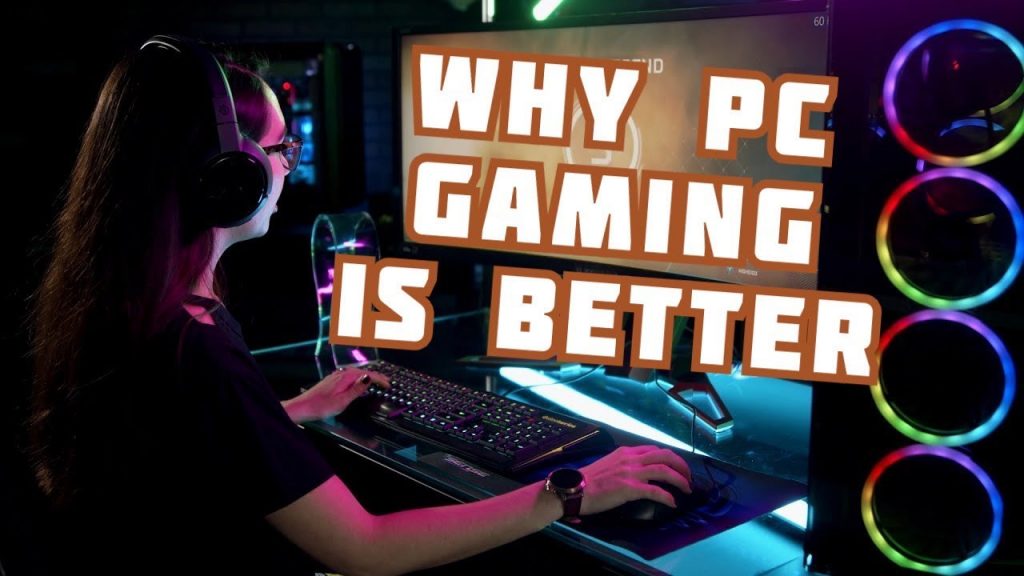

5 PC Gaming Accessories That Every Gamer Should Have In 2019
I spent $1,000,000 Robux
90-year-old Japanese grandma flexes fingers for video gaming
GHOST RECON BREAKPOINT Gameplay Walkthrough Part 1 BETA [1080p HD 60FPS PC] – No Commentary
Top 10 NEW Open World Games of 2020